Free · No card · Unlimited forms
Free AI form generator & online form builder
Describe the form you need, paste a job description or an event brief, and ezForms writes the questions, options and settings in seconds. Share the link and watch the responses arrive.
Sign in with Google. Takes five seconds.
An AI form generator in three steps
- 1
Describe it
Type, speak or paste what the form is for: "a job application for a senior data analyst".
- 2
AI writes the form
Questions, answer options, validation, sections and the right settings, in about half a minute.
- 3
Edit and share
Change anything by hand or by chat, then share the link or QR code and see live results.
Everything you need to collect answers
Create with AI
Describe the form or paste a job description. The AI writes questions, options and settings.
Ask AI inside the editor
Chat to add questions, translate, make a quiz or switch settings on.
Every question type
Text, phone, choice, checkboxes, dropdown, ranking, scales, ratings, NPS, grids, dates, signatures.
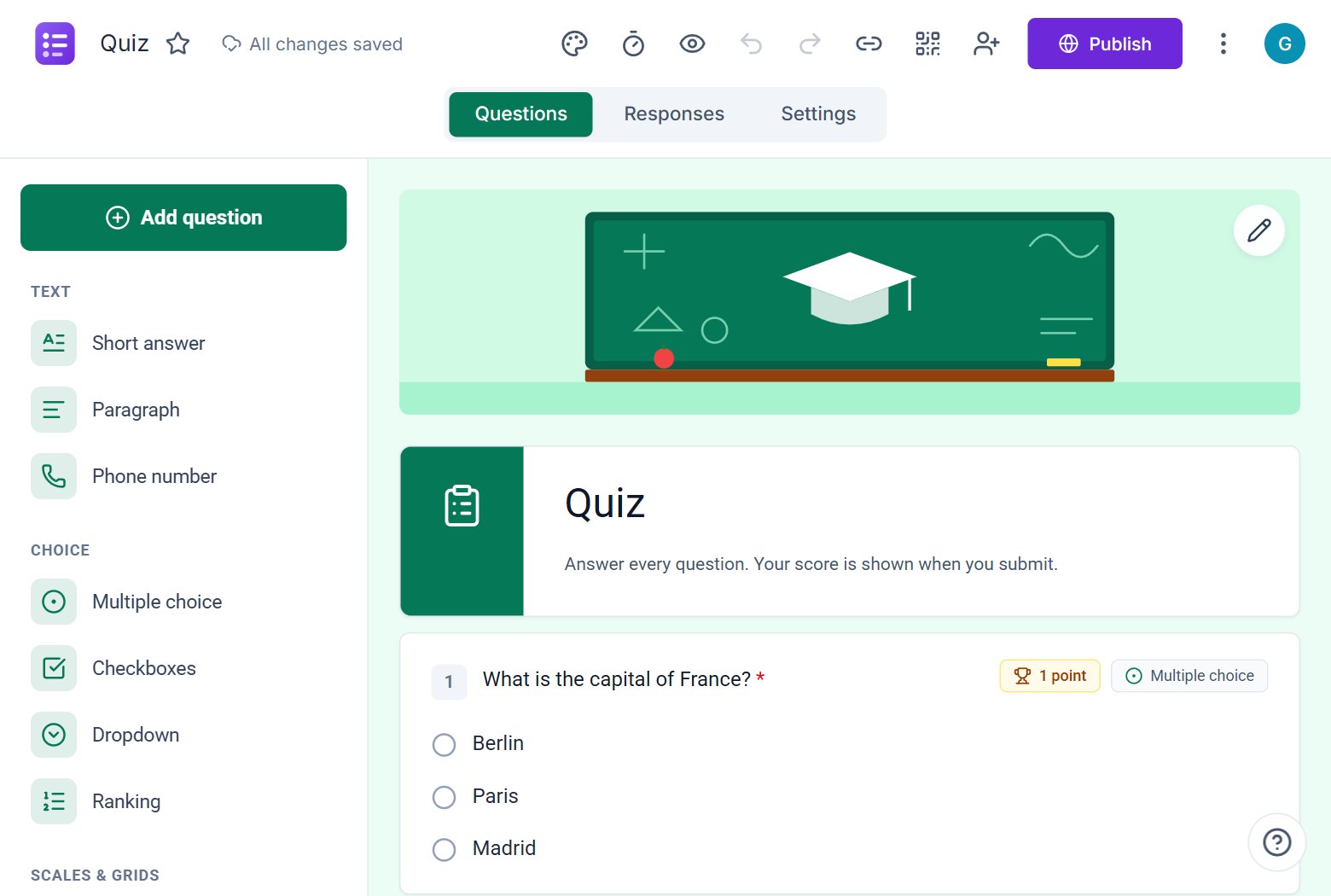
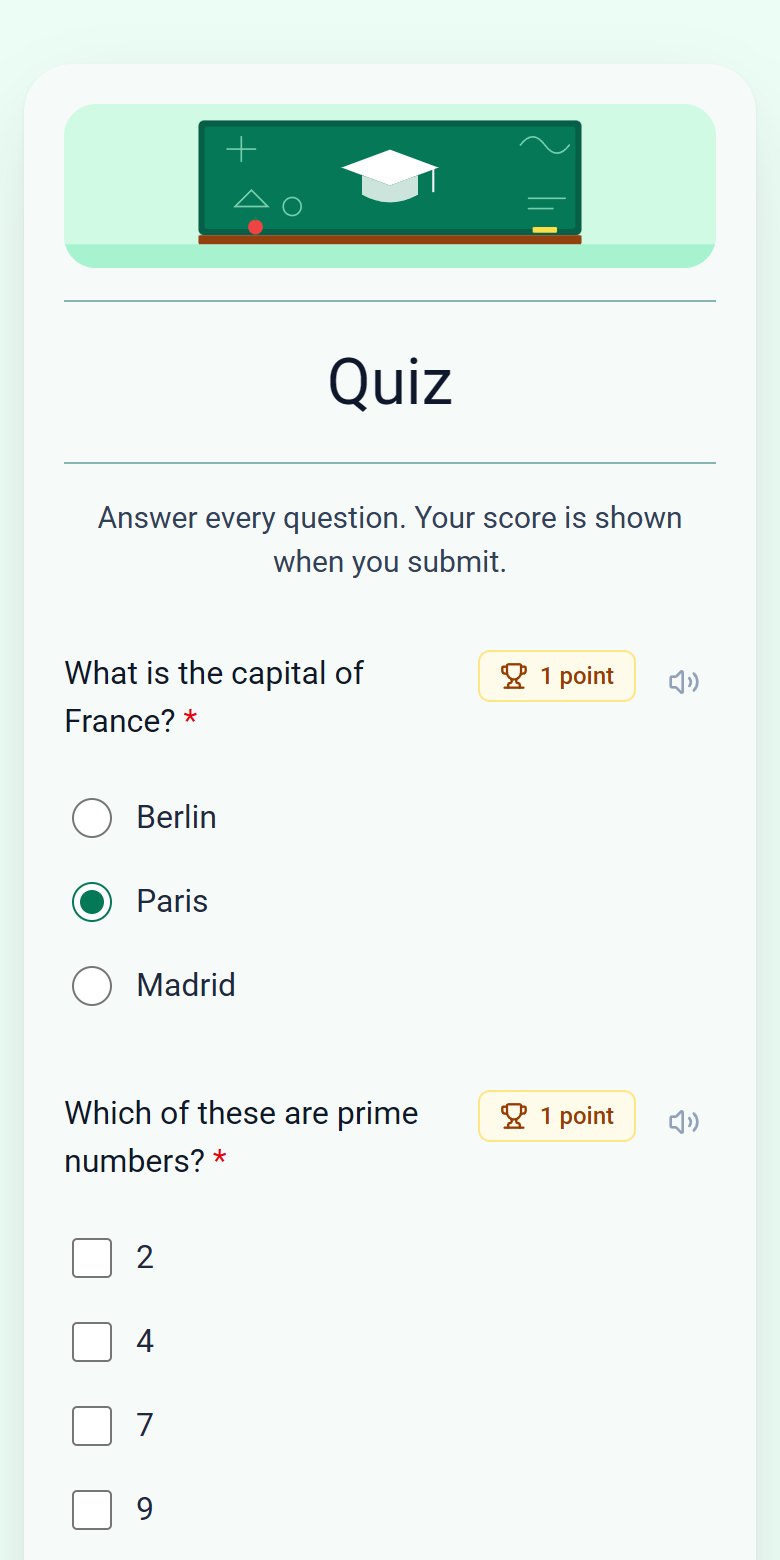
Quizzes that grade themselves
Answer keys, points, feedback and a server-enforced timer.
Live results
Charts, individual responses and Excel or CSV downloads.
Share anywhere
Link, QR code, email and website embed. Passwords, closing dates and response limits.
Looks great on every device
Clean paper-style forms with autosaved answers on phones, tablets and laptops.
Free forever
No plans, no upgrade prompts, no limits on forms or responses.
Generate the form you need
AI job application form generator
Paste a job description and the ezForms AI job application form generator builds screening questions, skills checks and contact fields. Free and ready to share.
Learn more →AI registration form generator
Create a registration or sign-up form with AI: ticket types, sessions, dietary needs and consent, written for you in seconds. Free, with live response tracking.
Learn more →AI quiz generator
The ezForms AI quiz generator writes quiz questions with correct answers and points, adds an optional timer and grades every attempt automatically. Free.
Learn more →AI survey generator
Create a survey with the free ezForms AI survey generator. It writes balanced questions, rating scales, NPS and open comments, then shows results in live charts.
Learn more →AI feedback form generator
Generate a feedback form with AI: ratings, NPS, what went well and what to improve. Collect customer, event or course feedback and see charts. Free.
Learn more →Online AI form generator
Use the ezForms online AI form generator in your browser. Describe your form, get it built in seconds, share the link and watch responses arrive live.
Learn more →Free form templates
All templates →
Collect attendee details, preferences, and more.

Gather valuable feedback to improve your service.

Create quizzes with auto-scoring and instant results.

Collect applications, resumes, and candidate details.

Take product or service orders with ease.

Run surveys to collect opinions, insights, and data.

Manage sign-ups for workshops, training, or events.

Allow users to create a membership or join your community.

Find out who is coming to your event.

Invite friends and plan the fun together.

Find a date and time that works for everyone.

Gather names, emails, addresses and phone numbers.
Looking for a Google Forms or Microsoft Forms alternative?
ezForms covers the everyday jobs and adds an AI form generator, server-enforced quiz timers, passwords, opening dates and seat limits. All free.
Frequently asked questions
What is ezForms?
ezForms is a free online form builder with an AI form generator. You can create surveys, quizzes, registrations, applications and order forms, share them with a link and see the responses as charts and a table.
How does the AI form generator work?
You describe the form in plain words or paste a job description. The AI writes the questions, answer options and settings, and the form opens in the editor for you to review.
Is ezForms free?
Yes. There are no paid plans, upgrade prompts or limits on forms and responses.
Do respondents need an account?
Respondents sign in with Google so that each person answers as themselves and their email can be recorded when you ask for it.
Can I download the responses?
Yes. Download them as Excel or CSV from the Responses tab.
Is it a Google Forms alternative?
Yes. It covers the same everyday jobs and adds an AI form generator, server-enforced quiz timers, passwords, opening dates and seat limits.
Free · Beta
Build your first form with AI
Free, no card, nothing to install.
- No card needed
- Sign in with Google
- Unlimited forms and responses