Generate a form with AI in three steps
Creating a form should not take an afternoon. With ezForms you generate one with AI by writing a sentence or two, then edit and share it.
Free. Sign in with Google. No card.
How it works
- 1
Describe your form
Write a sentence or two, paste a job description or event brief, or speak it with the microphone.
- 2
Press generate
The AI writes the questions, answer options and settings, and the form opens in the editor.
- 3
Edit, publish, share
Change anything by hand or by chat, press Publish, then share the link or QR code.
Try these prompts
Copy one into Create with AI, or write your own.
- “A new patient intake form for a dental clinic with insurance, medications, allergies and consent.”
- “An event feedback form with a star rating, what they liked and what to improve.”
- “A time-off request form for a small company with dates, type of leave and manager approval.”
What you get
1. Describe
Say what the form is for, who fills it in and what you need to know. Paste text if you have it.
2. Generate
Choose Short, Standard or Detailed, and press the arrow. The AI writes the whole form.
3. Review and share
Check the questions, change what you like, press Publish and copy the link.
Good prompts give better forms
Mention the purpose, the audience and the must-have details: "a registration form for a two-day robotics workshop for students aged 12 to 16, with parent contact and T-shirt size". The more specific you are, the less you need to edit.
Ready-made ideas
Not sure where to start? Pick one of the example buttons (job application, event registration, customer feedback, quiz, order form, patient intake) and adjust the text.
Free
ezForms is free: no plans, no upgrade prompts and no limits on forms or responses.
Start from a template
Collect attendee details, preferences, and more.
Gather valuable feedback to improve your service.
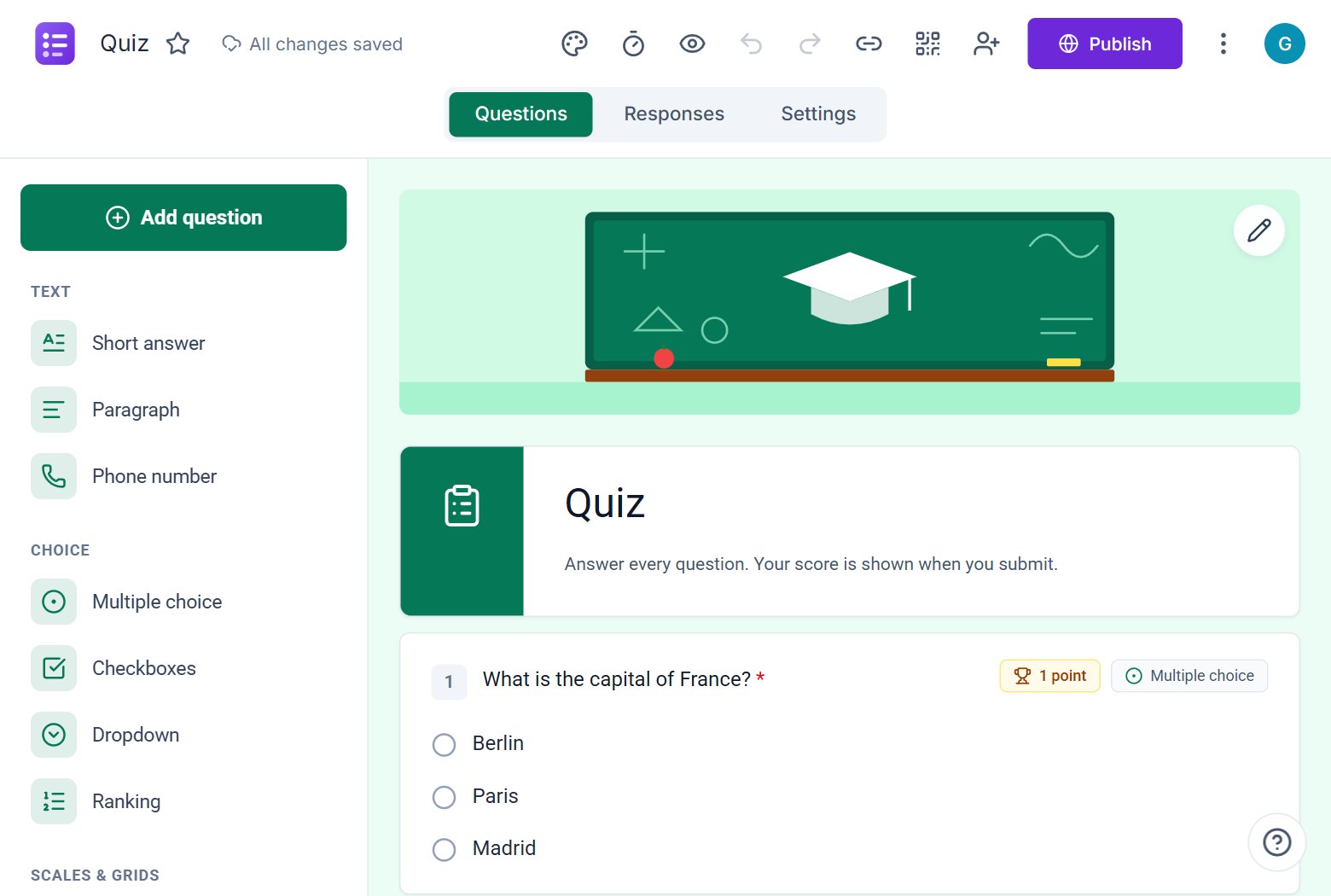
Create quizzes with auto-scoring and instant results.
Collect applications, resumes, and candidate details.
Take product or service orders with ease.
Run surveys to collect opinions, insights, and data.
Frequently asked questions
How do I generate a form with AI?
Open ezForms, choose Create with AI, describe the form and press Generate. The new form opens in the editor.
What should I write in the prompt?
The purpose of the form, who will fill it in and the key things you want to ask. You can paste a job description or an event brief.
Can I generate a form in another language?
Yes. Write your request in that language and the AI replies in it, or translate an existing form with Ask AI.
More from ezForms
- AI form generatorDescribe the form you need and the ezForms AI form generator writes every question, answer option and setting in seconds. Free, no card, share with a link.
- Online AI form generatorUse the ezForms online AI form generator in your browser. Describe your form, get it built in seconds, share the link and watch responses arrive live.
- AI form builderThe ezForms AI form builder creates forms from a prompt, then lets you keep changing them by chatting. Add questions, translate, make quizzes, switch settings.
- AI survey generatorCreate a survey with the free ezForms AI survey generator. It writes balanced questions, rating scales, NPS and open comments, then shows results in live charts.
Create your form in under a minute
Describe it, let the AI write it, and share the link. Free, always.
Open ezForms