Online AI form generator that works in your browser
There is nothing to download or install. Open ezForms, describe the form you want, and an AI writes it online in about half a minute. Share the link by message, email or QR code and collect responses from any phone or computer.
Free. Sign in with Google. No card.
How it works
- 1
Describe your form
Write a sentence or two, paste a job description or event brief, or speak it with the microphone.
- 2
Press generate
The AI writes the questions, answer options and settings, and the form opens in the editor.
- 3
Edit, publish, share
Change anything by hand or by chat, press Publish, then share the link or QR code.
Try these prompts
Copy one into Create with AI, or write your own.
- “A volunteer sign-up form for a weekend beach clean-up with shift choices and T-shirt sizes.”
- “A feedback form for a coding bootcamp, with ratings for each module and a free-text suggestion.”
- “An order form for a home bakery with flavours, sizes, delivery or pickup and a date.”
What you get
Works anywhere
Phones, tablets and laptops. The forms people fill in are fast and look right on every screen size.
Share in one click
Copy the link, show a QR code, embed the form in your website or send it by email.
Live results
Responses appear as charts and as a table, and can be downloaded as Excel or CSV.
Private by design
Only you and the editors you add can see the responses. Passwords, closing dates and response limits are built in.
From idea to link in minutes
Write one or two sentences, press the send arrow, and review the form the AI builds. Change the wording if you like, press Publish, and your form is live on its own link.
Online forms people enjoy filling in
Respondents see a clean, paper-style form with answers saved as they type, so nobody loses their work. Quizzes can show scores straight away, and timers are enforced by the server.
Free for everyone
ezForms is free: no plans, no upgrade prompts and no limits on forms or responses.
Start from a template
Collect attendee details, preferences, and more.
Gather valuable feedback to improve your service.
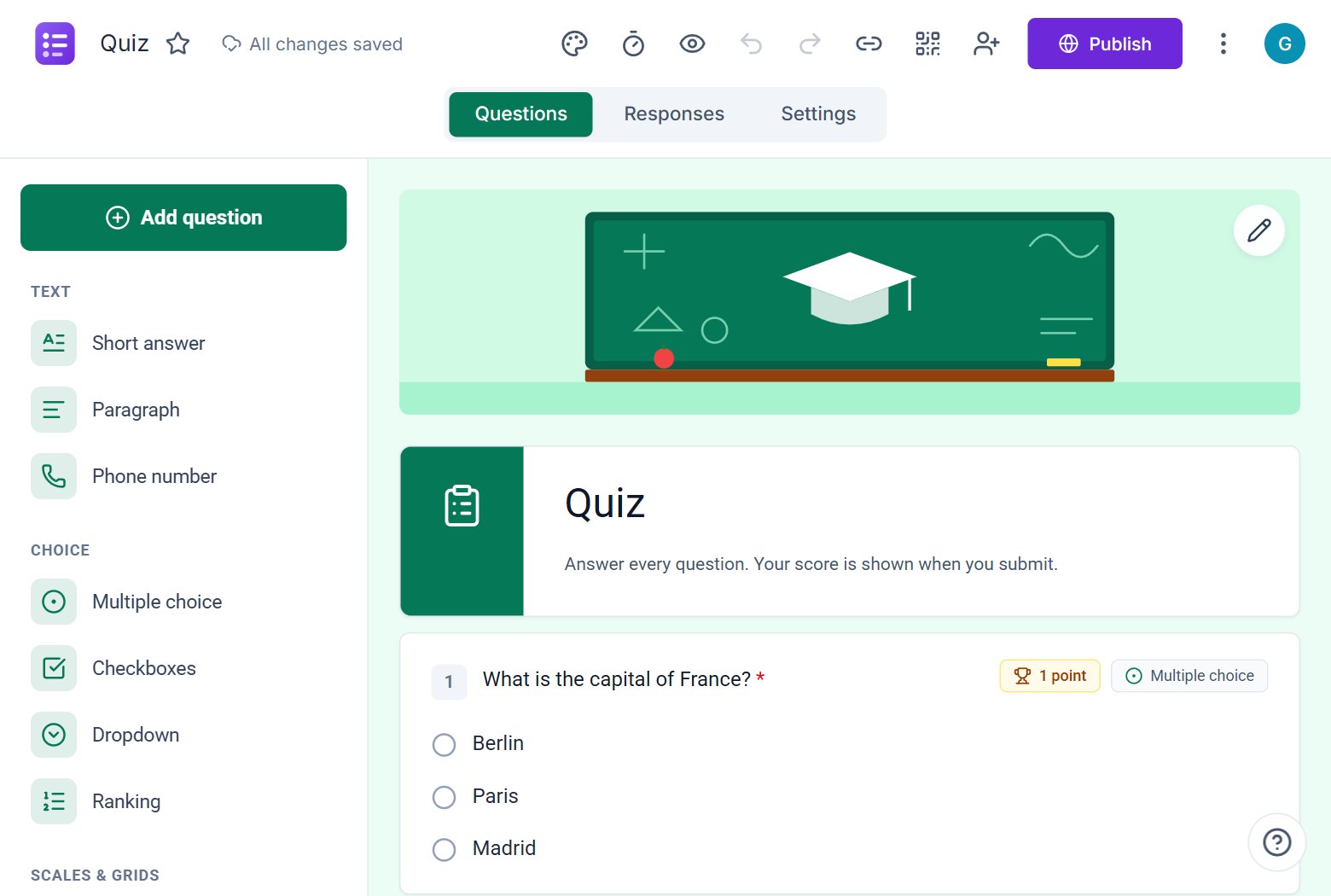
Create quizzes with auto-scoring and instant results.
Collect applications, resumes, and candidate details.
Take product or service orders with ease.
Run surveys to collect opinions, insights, and data.
Frequently asked questions
Do I need to install anything?
No. ezForms runs in your web browser on any device.
Can people fill in my form on their phone?
Yes. Forms are responsive and work on phones, tablets and computers.
How long does the AI take?
A typical form takes about 20 to 40 seconds. Long, detailed forms can take a little more.
Can I embed the form in my website?
Yes. Use the Embed option to get an HTML snippet you can paste into any page.
More from ezForms
- AI form generatorDescribe the form you need and the ezForms AI form generator writes every question, answer option and setting in seconds. Free, no card, share with a link.
- Free online form builderezForms is a free online form builder with an AI form generator, every question type, quizzes, templates, QR codes and Excel export. No limits, no card.
- Generate a form with AIGenerate a form with AI: describe it, press Generate, and ezForms writes the questions, options and settings. Edit by hand or chat, then share the link.
- Online quiz makerMake an online quiz free: points, answer keys, feedback, shuffled questions, a server timer and instant scores. Let AI write it, or build it yourself.
Create your form in under a minute
Describe it, let the AI write it, and share the link. Free, always.
Open ezForms