An AI form builder you can talk to
Most AI form tools write a form once and stop. ezForms stays with you: create the form from a description, then open Ask AI and keep improving it in plain sentences, right inside the editor.
Free. Sign in with Google. No card.
How it works
- 1
Describe your form
Write a sentence or two, paste a job description or event brief, or speak it with the microphone.
- 2
Press generate
The AI writes the questions, answer options and settings, and the form opens in the editor.
- 3
Edit, publish, share
Change anything by hand or by chat, press Publish, then share the link or QR code.
Try these prompts
Copy one into Create with AI, or write your own.
- “Add a question asking for two professional references with phone numbers.”
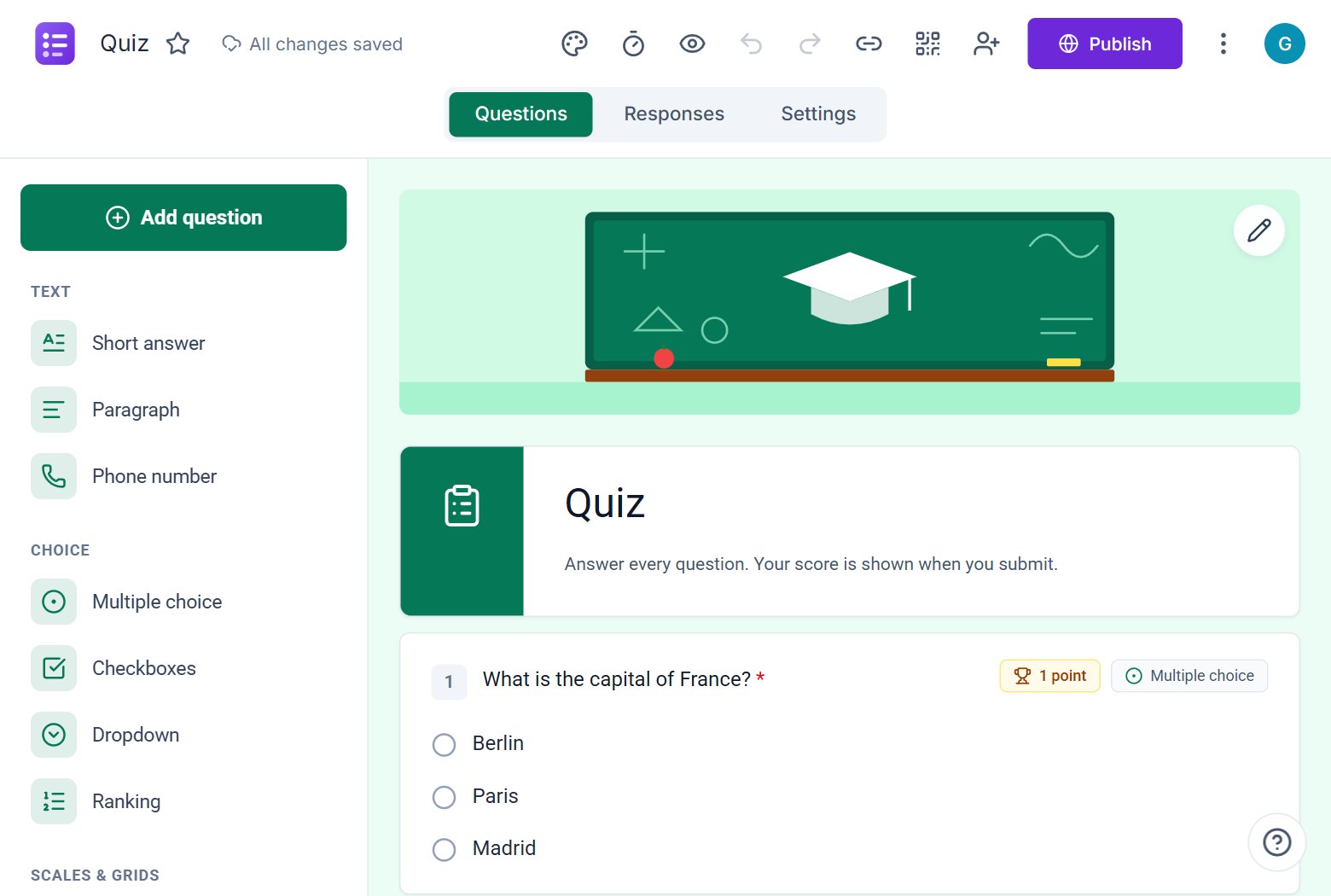
- “Turn this form into a quiz with answer keys, 1 point each.”
- “Translate the whole form into Tamil and collect verified emails.”
What you get
Chat inside the editor
Ask AI sits beside your form. Say what to change and it edits the real form, then lists exactly what it did.
Every setting is reachable
Colours, covers, quiz mode, timers, verified email, one response per person, progress bar and more, all by sentence.
Rewrite and translate
Improve the wording of every question, or translate the whole form into another language in one step.
Also a full manual builder
Prefer clicking? Every question type, logic, sections, themes and templates are there too.
Drag-free form building
You can build a form without dragging a single block. Describe it, check it, ask for changes. When you want fine control, switch to the normal editor in the same screen.
Every question type
Short and long text, phone numbers, multiple choice, checkboxes, dropdowns, ranking, linear scales, star ratings, NPS, grids, likert, dates, times and signatures, with answer validation for emails, links and numbers.
Free
ezForms is free: no plans, no upgrade prompts and no limits on forms or responses.
Start from a template
Collect attendee details, preferences, and more.
Gather valuable feedback to improve your service.
Create quizzes with auto-scoring and instant results.
Collect applications, resumes, and candidate details.
Take product or service orders with ease.
Run surveys to collect opinions, insights, and data.
Frequently asked questions
What can the Ask AI chat change?
Questions and sections (add, rewrite, remove), the title and description, colours and covers, quiz mode and answer keys, the timer, and settings such as verified email and one response per person.
Can I undo what the AI did?
You can edit anything back by hand or ask the AI to change it again.
Does the AI keep my earlier answers?
When it rewrites a question, options with unchanged wording keep their identity, so earlier responses still match.
More from ezForms
- AI form generatorDescribe the form you need and the ezForms AI form generator writes every question, answer option and setting in seconds. Free, no card, share with a link.
- Generate a form with AIGenerate a form with AI: describe it, press Generate, and ezForms writes the questions, options and settings. Edit by hand or chat, then share the link.
- Free online form builderezForms is a free online form builder with an AI form generator, every question type, quizzes, templates, QR codes and Excel export. No limits, no card.
- Google Forms alternativeLooking for a Google Forms alternative? ezForms is free, writes forms with AI, has quizzes with timers, a clean paper-style look and a spreadsheet of responses.
Create your form in under a minute
Describe it, let the AI write it, and share the link. Free, always.
Open ezForms