AI registration form generator for events, classes and clubs
Tell ezForms about your event, class or club and get a complete registration form: attendee details, choices, requirements and consent, with the right settings already on.
Free. Sign in with Google. No card.
How it works
- 1
Describe your form
Write a sentence or two, paste a job description or event brief, or speak it with the microphone.
- 2
Press generate
The AI writes the questions, answer options and settings, and the form opens in the editor.
- 3
Edit, publish, share
Change anything by hand or by chat, press Publish, then share the link or QR code.
Try these prompts
Copy one into Create with AI, or write your own.
- “Registration for a one-day tech conference with talks, workshops, dietary needs and T-shirt size.”
- “A sign-up form for a weekend yoga retreat with room preference and emergency contact.”
- “A membership form for a school robotics club with parent consent.”
What you get
Seat limits
Limit how many people can pick an option, so a workshop cannot be overbooked.
Open and close dates
Choose when registration starts and stops, or cap the total number of responses.
Editable registrations
Let people change their answers later without registering twice.
Everyone in one table
See, search and download the list of attendees at any time.
Less admin before the event
Collect everything you need in one place: contact details, choices, dietary needs and accessibility requirements.
Share on posters
Show a QR code on a poster or slide so people can register from their phone.
Free
ezForms is free: no plans, no upgrade prompts and no limits on forms or responses.
Start from a template
Collect attendee details, preferences, and more.
Gather valuable feedback to improve your service.
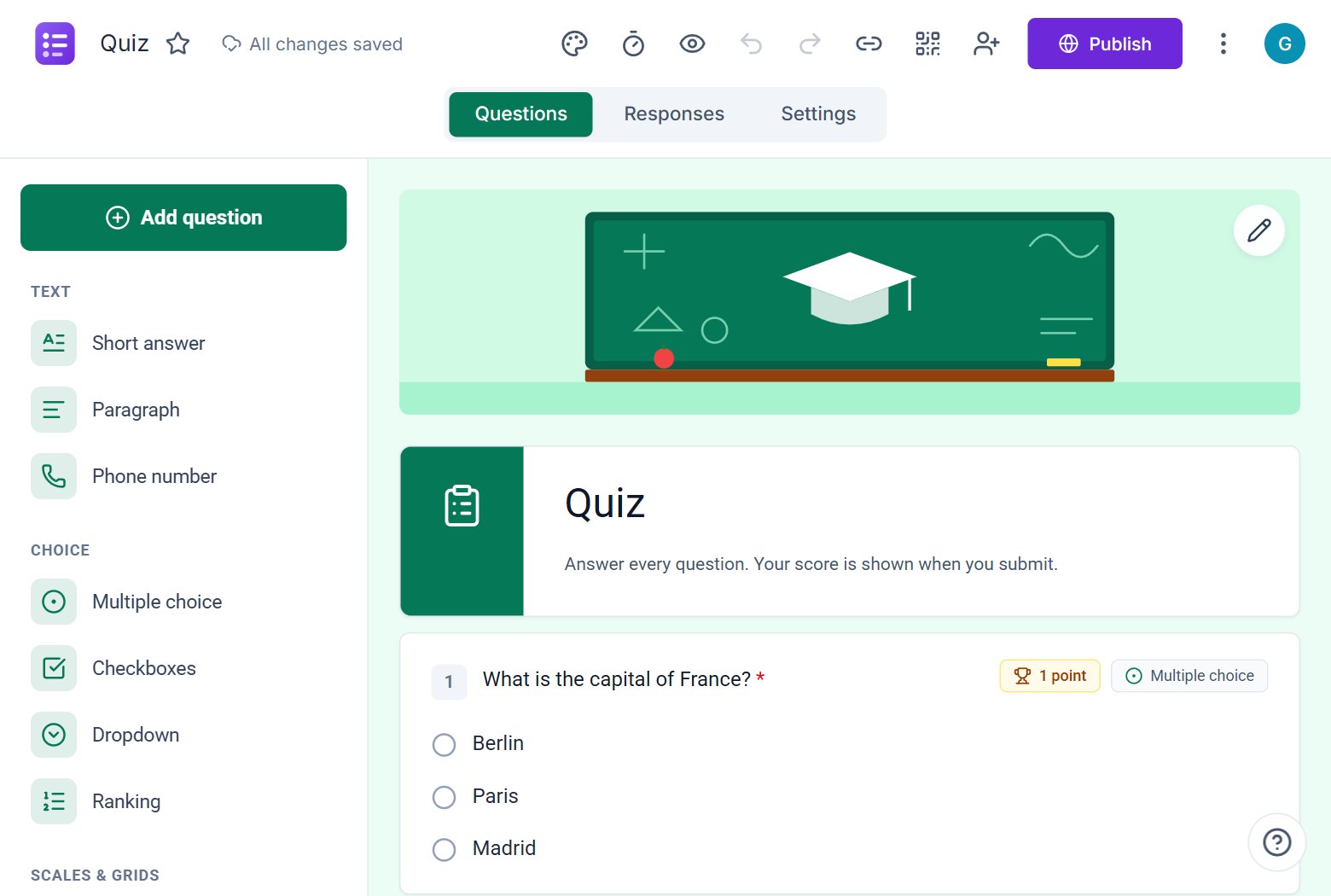
Create quizzes with auto-scoring and instant results.
Collect applications, resumes, and candidate details.
Take product or service orders with ease.
Run surveys to collect opinions, insights, and data.
Frequently asked questions
Can I limit the number of attendees?
Yes. Set a response limit, and seat limits on individual options.
Can I stop registrations on a date?
Yes. Set a closing date in Settings and people will see that the form is closed.
Can people edit their registration?
Yes. Turn on response editing and they can update their answers.
More from ezForms
- AI job application form generatorPaste a job description and the ezForms AI job application form generator builds screening questions, skills checks and contact fields. Free and ready to share.
- AI form generatorDescribe the form you need and the ezForms AI form generator writes every question, answer option and setting in seconds. Free, no card, share with a link.
- Online AI form generatorUse the ezForms online AI form generator in your browser. Describe your form, get it built in seconds, share the link and watch responses arrive live.
- Free online form builderezForms is a free online form builder with an AI form generator, every question type, quizzes, templates, QR codes and Excel export. No limits, no card.
Create your form in under a minute
Describe it, let the AI write it, and share the link. Free, always.
Open ezForms