The free AI form generator
Type what the form is for, or paste a job description, and ezForms writes the whole form for you: the questions, the answer options, the right settings and a matching look. Review it, change anything, and share the link.
Free. Sign in with Google. No card.
How it works
- 1
Describe your form
Write a sentence or two, paste a job description or event brief, or speak it with the microphone.
- 2
Press generate
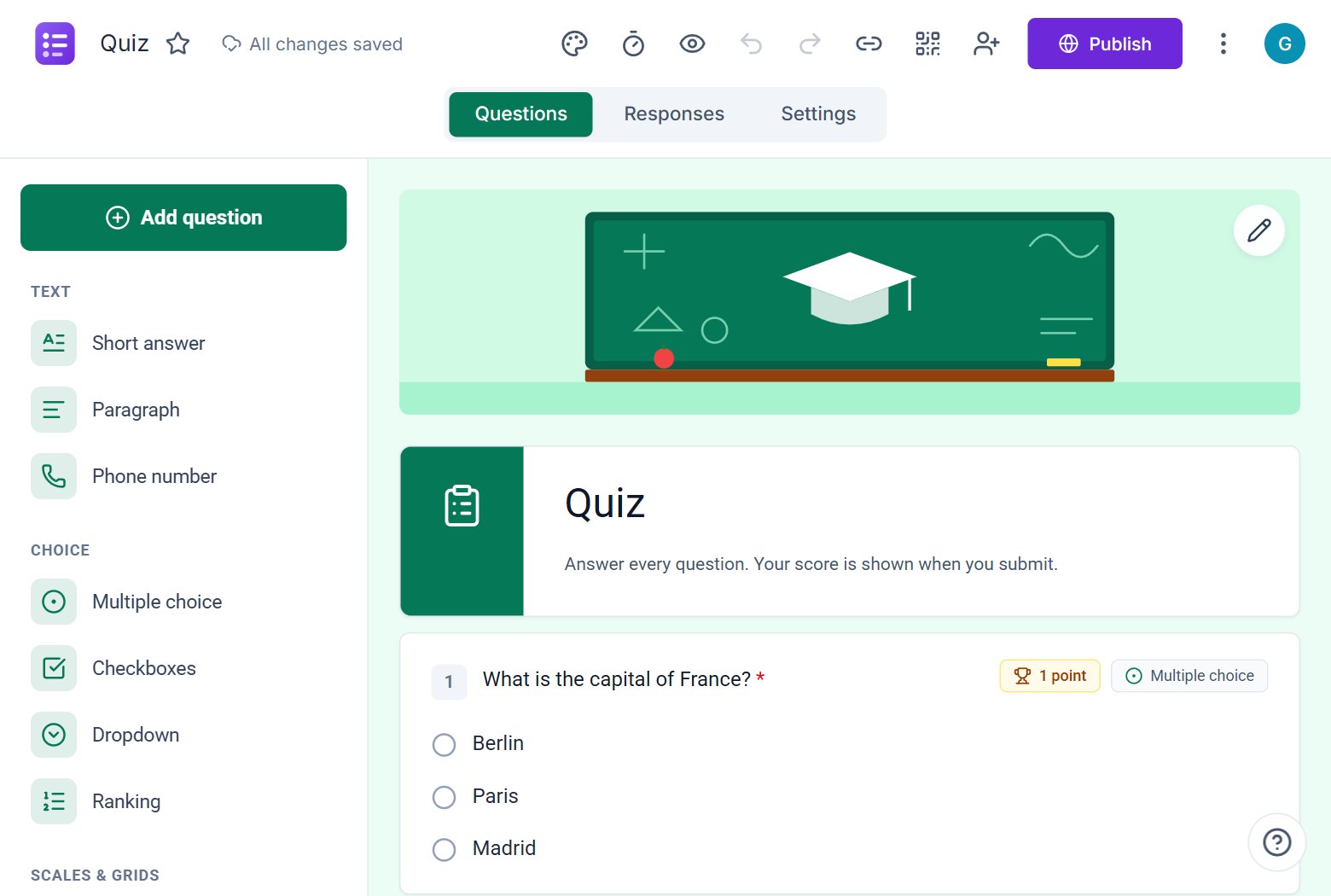
The AI writes the questions, answer options and settings, and the form opens in the editor.
- 3
Edit, publish, share
Change anything by hand or by chat, press Publish, then share the link or QR code.
Try these prompts
Copy one into Create with AI, or write your own.
- “A job application form for a Senior Data Analyst at Acme Retail in Chennai. Screen for SQL, Python and notice period.”
- “A customer satisfaction survey for an online clothing store with an NPS question.”
- “Registration for a one-day tech conference with workshop choices and dietary needs.”
What you get
Understands what you mean
It picks the right question type for each answer: phone numbers, email checks, scales, grids, dropdowns, dates.
Turns on the right settings
Verified email, one response per person, progress bar, editing, a thank-you message: chosen to suit the form.
Paste, speak or attach
Paste a job description, speak your idea with the microphone, or attach a text file.
Chat to improve it
Open Ask AI inside any form and say "add three questions about references" or "make it a quiz".
How an AI form generator saves time
Most of the time spent on a form goes into deciding what to ask and how to word it. The ezForms AI form generator does that first draft in about half a minute, so you spend your time checking and polishing instead of starting from a blank page.
You stay in control
The AI creates a normal ezForms form. Every question, option, setting, colour and picture can be edited by hand, and the Ask AI chat lets you keep changing it with plain sentences. Nothing is locked.
Built for real use
Responses arrive in live charts and a spreadsheet-style table you can download. ezForms is free: no plans, no upgrade prompts and no limits on forms or responses.
Start from a template
Collect attendee details, preferences, and more.
Gather valuable feedback to improve your service.
Create quizzes with auto-scoring and instant results.
Collect applications, resumes, and candidate details.
Take product or service orders with ease.
Run surveys to collect opinions, insights, and data.
Frequently asked questions
What is an AI form generator?
An AI form generator is a tool that writes a form for you from a short description. You say what the form is for, and it creates the questions, answer options and settings, ready to edit and share.
Is the ezForms AI form generator free?
Yes. Creating forms with AI, editing them with the Ask AI chat, collecting responses and downloading them are all free.
Can I edit the form after the AI creates it?
Yes. The new form opens in the editor, where you can change every question and setting yourself, or keep chatting with the AI to change it.
Does it work for quizzes and surveys?
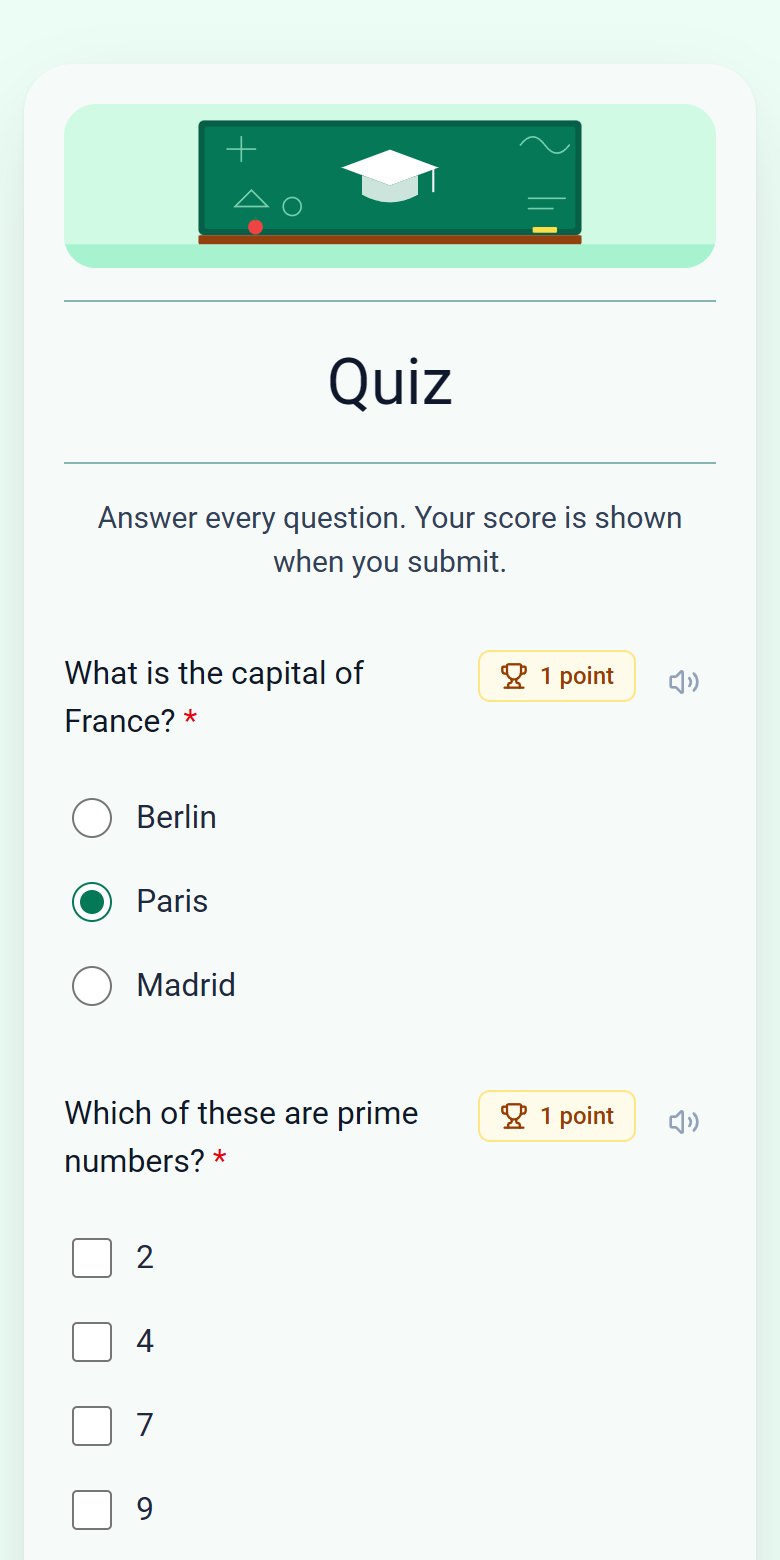
Yes. Ask for a quiz and it adds correct answers and points; ask for a survey and it adds rating scales, grids and open questions.
Do I need to sign up?
You sign in with your Google account, which takes a few seconds. You never need a password or a card.
More from ezForms
- Online AI form generatorUse the ezForms online AI form generator in your browser. Describe your form, get it built in seconds, share the link and watch responses arrive live.
- AI form builderThe ezForms AI form builder creates forms from a prompt, then lets you keep changing them by chatting. Add questions, translate, make quizzes, switch settings.
- Generate a form with AIGenerate a form with AI: describe it, press Generate, and ezForms writes the questions, options and settings. Edit by hand or chat, then share the link.
- AI survey generatorCreate a survey with the free ezForms AI survey generator. It writes balanced questions, rating scales, NPS and open comments, then shows results in live charts.
Free · Beta
Create your form in under a minute
Describe it, let the AI write it, and share the link. Free, always.
- No card needed
- Sign in with Google
- Unlimited forms and responses