A free online form builder with no limits
Build surveys, registrations, applications, quizzes and order forms online. Start from a template, from scratch or from a sentence. Unlimited forms and responses, always free.
Free. Sign in with Google. No card.
How it works
- 1
Describe your form
Write a sentence or two, paste a job description or event brief, or speak it with the microphone.
- 2
Press generate
The AI writes the questions, answer options and settings, and the form opens in the editor.
- 3
Edit, publish, share
Change anything by hand or by chat, press Publish, then share the link or QR code.
Try these prompts
Copy one into Create with AI, or write your own.
- “A contact form for a freelance photographer with a project type dropdown.”
- “A booking request form for a salon with service, date and time.”
- “A simple order form for a school canteen.”
What you get
30+ templates
Job application, event registration, feedback, quiz, order form, appointment, patient intake and many more.
Every question type
From short answers to grids, ratings, dates, signatures and ranking.
Share and embed
Link, QR code, email and website embed, with a "Made with ezForms" footer.
Own your data
Download all responses as Excel or CSV, and delete forms or responses whenever you like.
Three ways to start
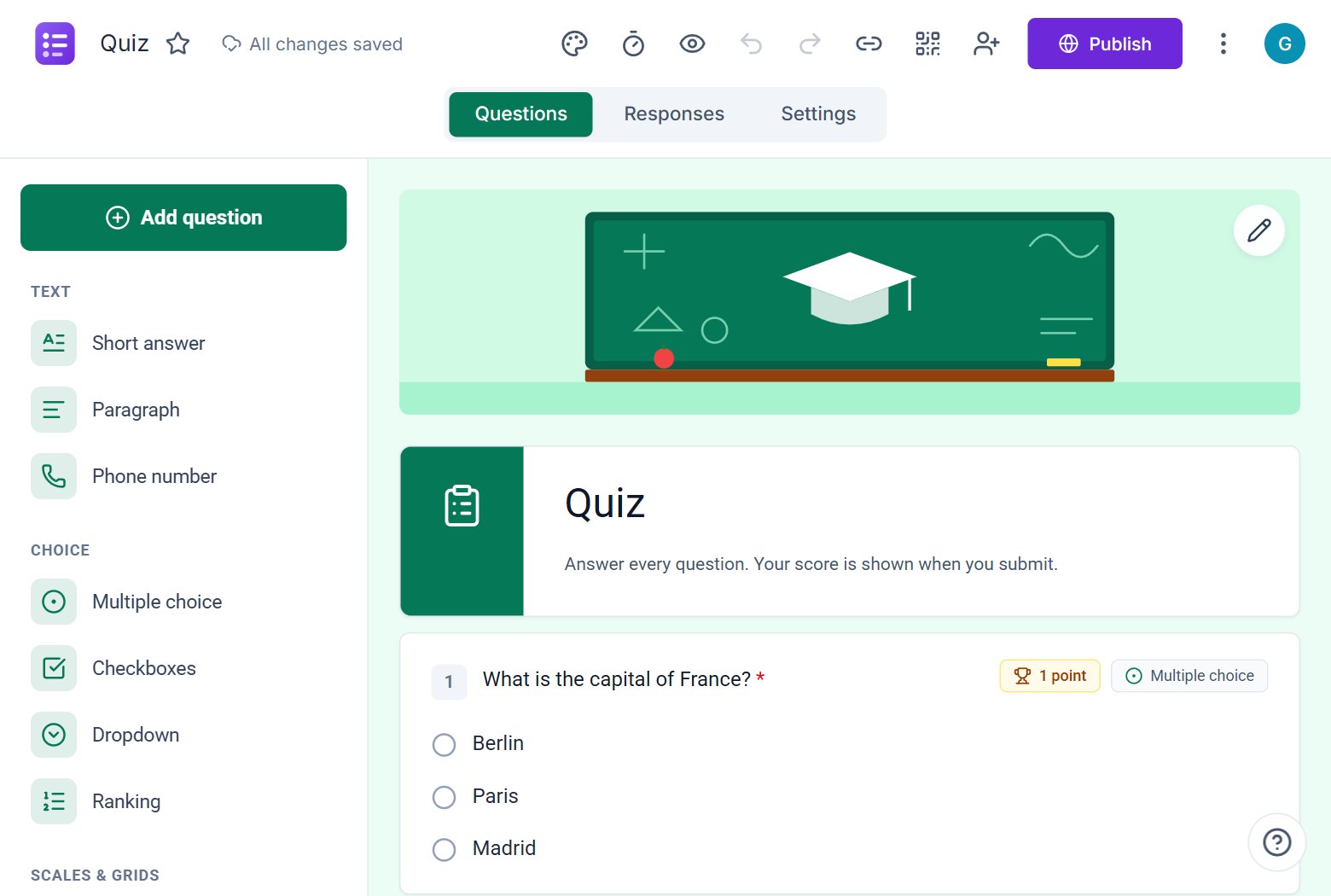
Use Create with AI to describe the form, pick a template, or start with a blank form and add questions from the sidebar.
Looks good by default
Pick a colour, a font and a cover picture and the form looks like a clean paper form on every device.
Free
ezForms is free: no plans, no upgrade prompts and no limits on forms or responses.
Start from a template
Collect attendee details, preferences, and more.
Gather valuable feedback to improve your service.
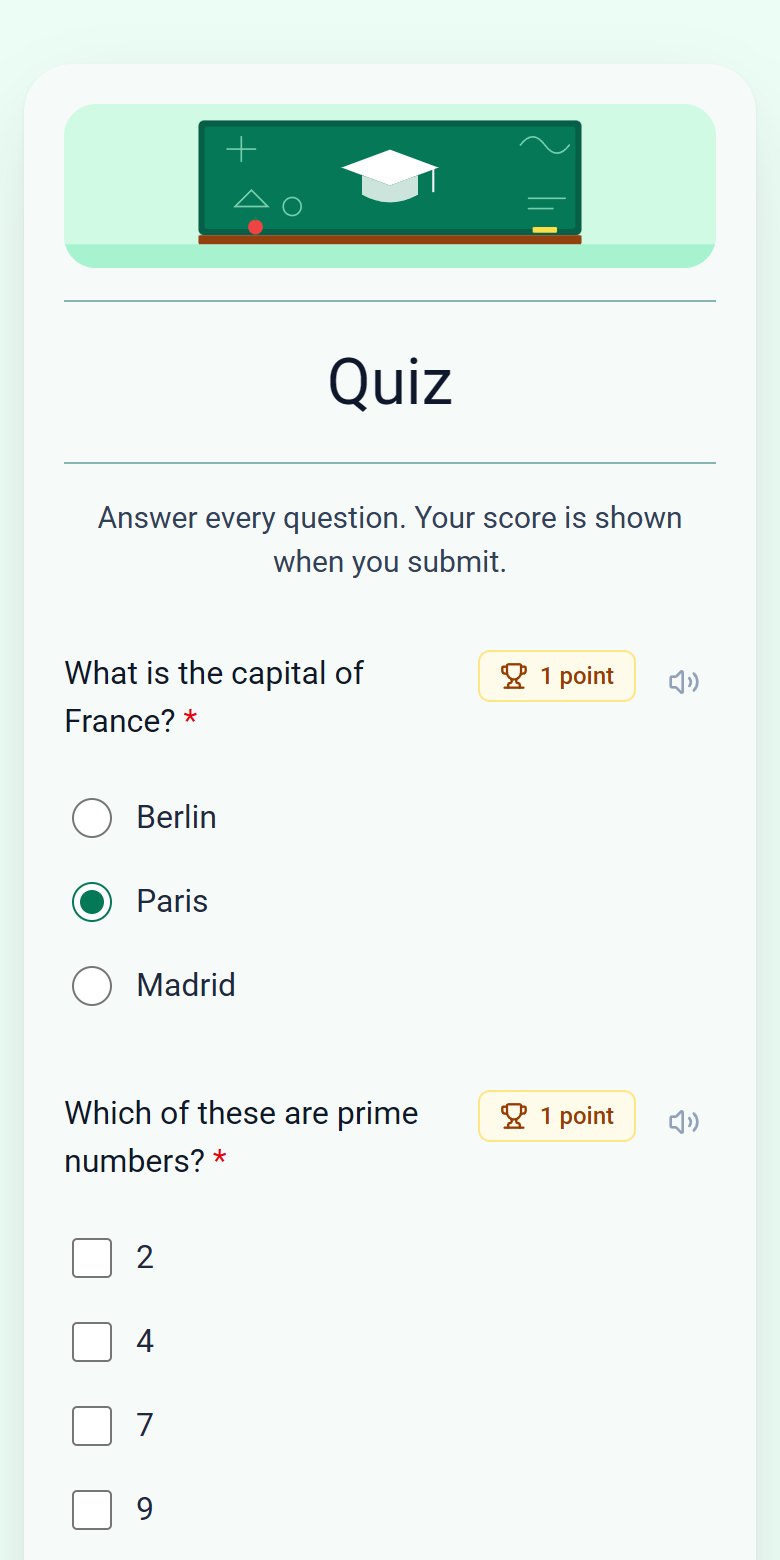
Create quizzes with auto-scoring and instant results.
Collect applications, resumes, and candidate details.
Take product or service orders with ease.
Run surveys to collect opinions, insights, and data.
Frequently asked questions
Are there limits on forms or responses?
No. ezForms does not have plans or response limits.
Can I protect a form with a password?
Yes. Set a password in Settings and respondents must enter it before they see the questions.
Can I embed a form in my website?
Yes. Use Embed HTML in the form menu.
More from ezForms
- AI form generatorDescribe the form you need and the ezForms AI form generator writes every question, answer option and setting in seconds. Free, no card, share with a link.
- Google Forms alternativeLooking for a Google Forms alternative? ezForms is free, writes forms with AI, has quizzes with timers, a clean paper-style look and a spreadsheet of responses.
- Survey makerMake a survey online for free: rating scales, NPS, grids and open questions, live charts and Excel export. Write it with AI or start from a template.
- Online quiz makerMake an online quiz free: points, answer keys, feedback, shuffled questions, a server timer and instant scores. Let AI write it, or build it yourself.
Free · Beta
Create your form in under a minute
Describe it, let the AI write it, and share the link. Free, always.
- No card needed
- Sign in with Google
- Unlimited forms and responses