A free Google Forms alternative with AI built in
If you like Google Forms but want an AI that writes the form for you, server-enforced quiz timers, a modern look and more control, ezForms is a free alternative you can switch to in minutes.
Free. Sign in with Google. No card.
How it works
- 1
Describe your form
Write a sentence or two, paste a job description or event brief, or speak it with the microphone.
- 2
Press generate
The AI writes the questions, answer options and settings, and the form opens in the editor.
- 3
Edit, publish, share
Change anything by hand or by chat, press Publish, then share the link or QR code.
Try these prompts
Copy one into Create with AI, or write your own.
- “Recreate a simple contact form: name, email, message.”
- “A weekly team check-in with mood rating and blockers.”
- “A class feedback form like the one I used in Google Forms.”
What you get
AI creates the form
Describe it and get a complete form, instead of adding every question by hand.
Familiar editing
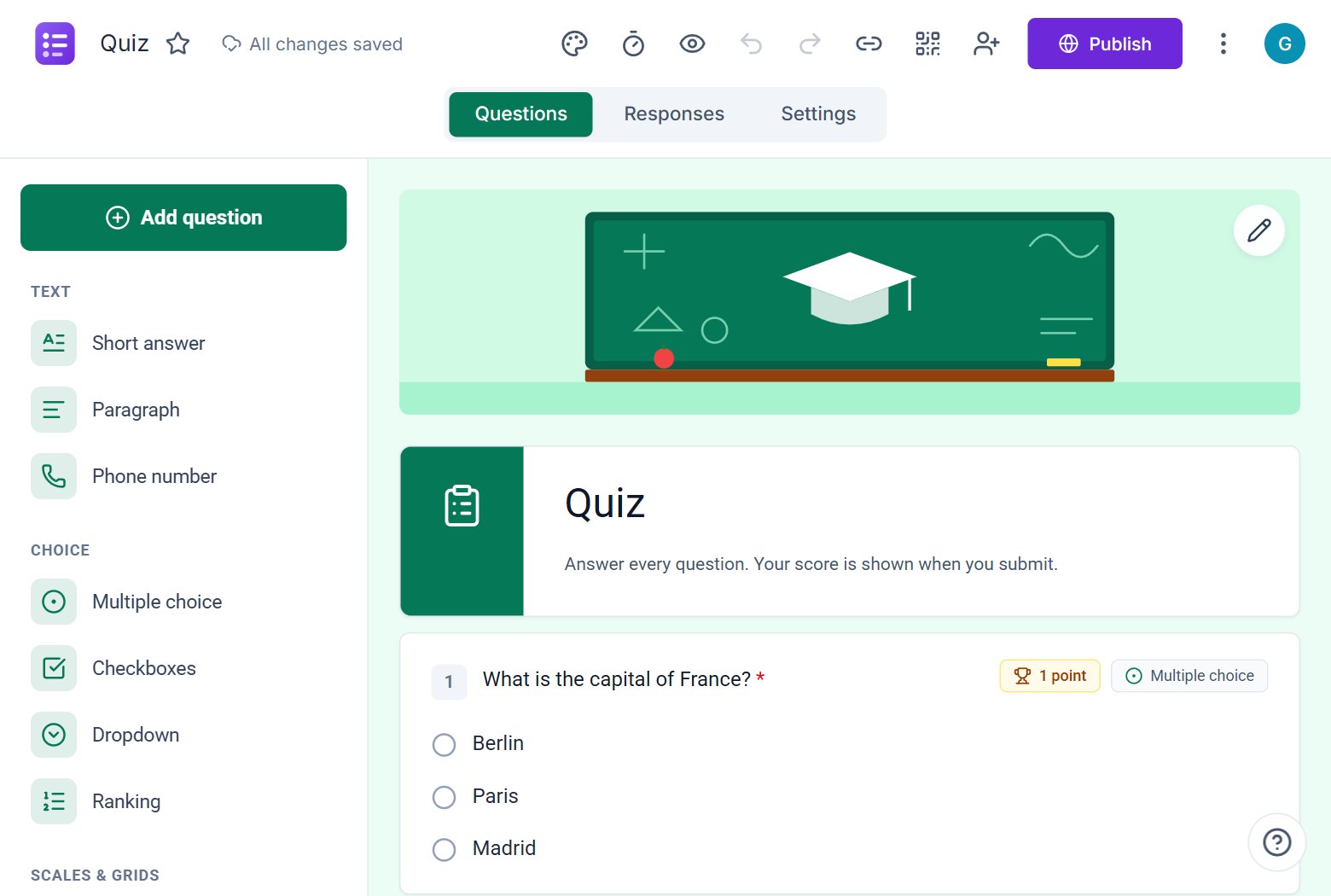
Question types, sections, themes, share dialog, response summary and Excel download work the way you expect.
Quiz timers
A time limit enforced on the server, with automatic submission when time runs out.
More than Google Forms
Passwords on forms, opening dates, response limits, seat limits per option, QR codes and a clean paper-style form.
Switching is easy
Pick a template or let the AI build the form from your description. Questions, sections and settings carry the same ideas, so there is little to relearn.
Where ezForms goes further
Create with AI and Ask AI chat, forms protected by a password, practice mode for quizzes, public result summaries, and one-click translation by AI.
Free
ezForms is free: no plans, no upgrade prompts and no limits on forms or responses.
Start from a template
Collect attendee details, preferences, and more.
Gather valuable feedback to improve your service.
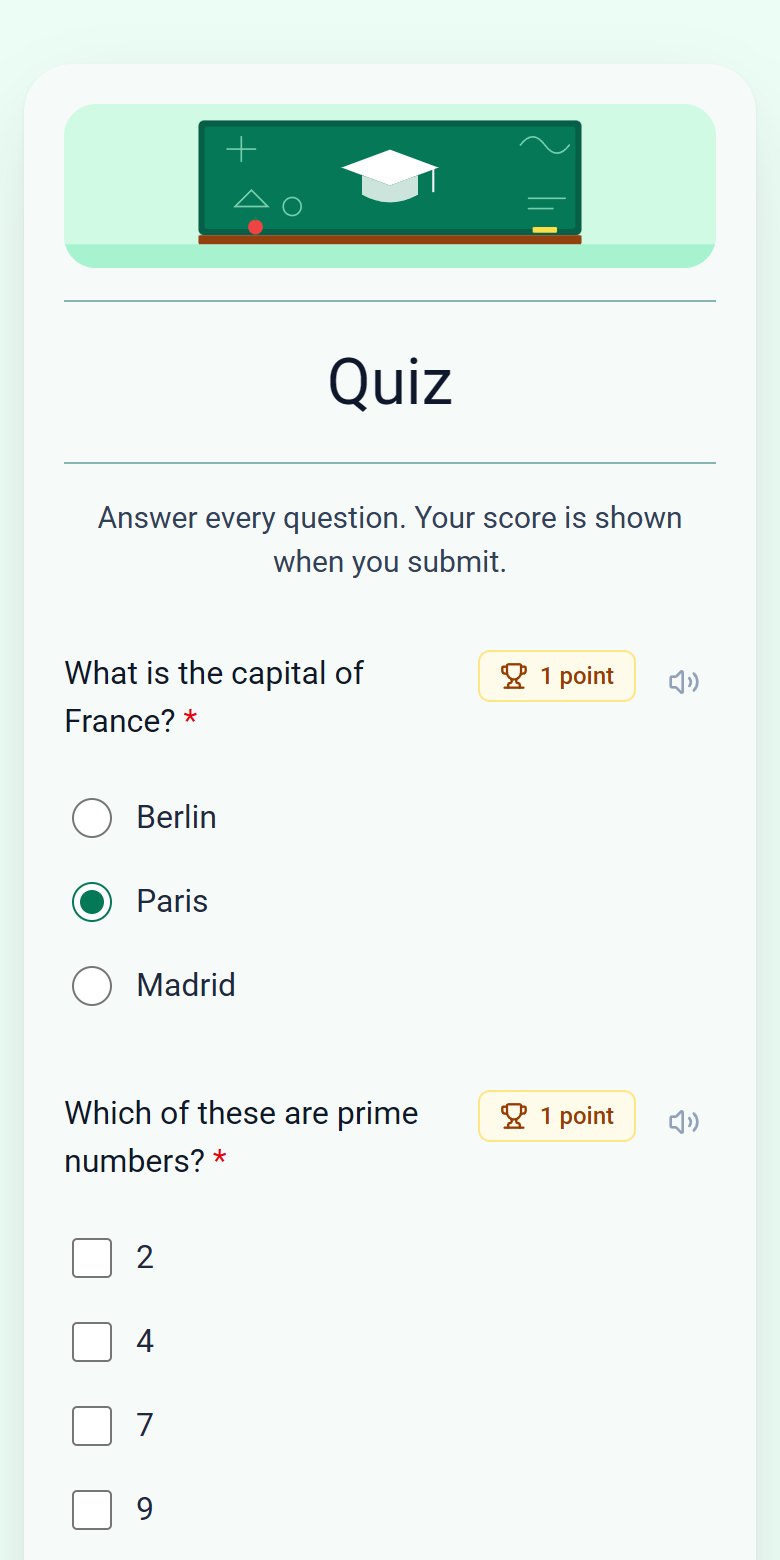
Create quizzes with auto-scoring and instant results.
Collect applications, resumes, and candidate details.
Take product or service orders with ease.
Run surveys to collect opinions, insights, and data.
Frequently asked questions
Is ezForms really free?
Yes. There are no paid plans, upgrade prompts or limits on forms and responses.
Does ezForms work with Google accounts?
You sign in with your Google account. ezForms is a separate product and is not affiliated with Google.
Can I download my responses?
Yes, as Excel or CSV from the Responses tab.
Can I import my Google Forms?
There is no direct import yet. The AI can rebuild a form from a description or pasted text of your questions.
More from ezForms
- Microsoft Forms alternativeA free Microsoft Forms alternative with an AI form builder, branching, quizzes with timers and open sharing, no Microsoft 365 account needed. Try ezForms.
- Free online form builderezForms is a free online form builder with an AI form generator, every question type, quizzes, templates, QR codes and Excel export. No limits, no card.
- AI form generatorDescribe the form you need and the ezForms AI form generator writes every question, answer option and setting in seconds. Free, no card, share with a link.
- Online quiz makerMake an online quiz free: points, answer keys, feedback, shuffled questions, a server timer and instant scores. Let AI write it, or build it yourself.
Free · Beta
Create your form in under a minute
Describe it, let the AI write it, and share the link. Free, always.
- No card needed
- Sign in with Google
- Unlimited forms and responses