A free Microsoft Forms alternative, no Microsoft 365 needed
Microsoft Forms is handy inside Microsoft 365. If you need to collect answers from anyone, with an AI to write the form and no account requirement for respondents beyond Google sign-in, ezForms is a free option.
Free. Sign in with Google. No card.
How it works
- 1
Describe your form
Write a sentence or two, paste a job description or event brief, or speak it with the microphone.
- 2
Press generate
The AI writes the questions, answer options and settings, and the form opens in the editor.
- 3
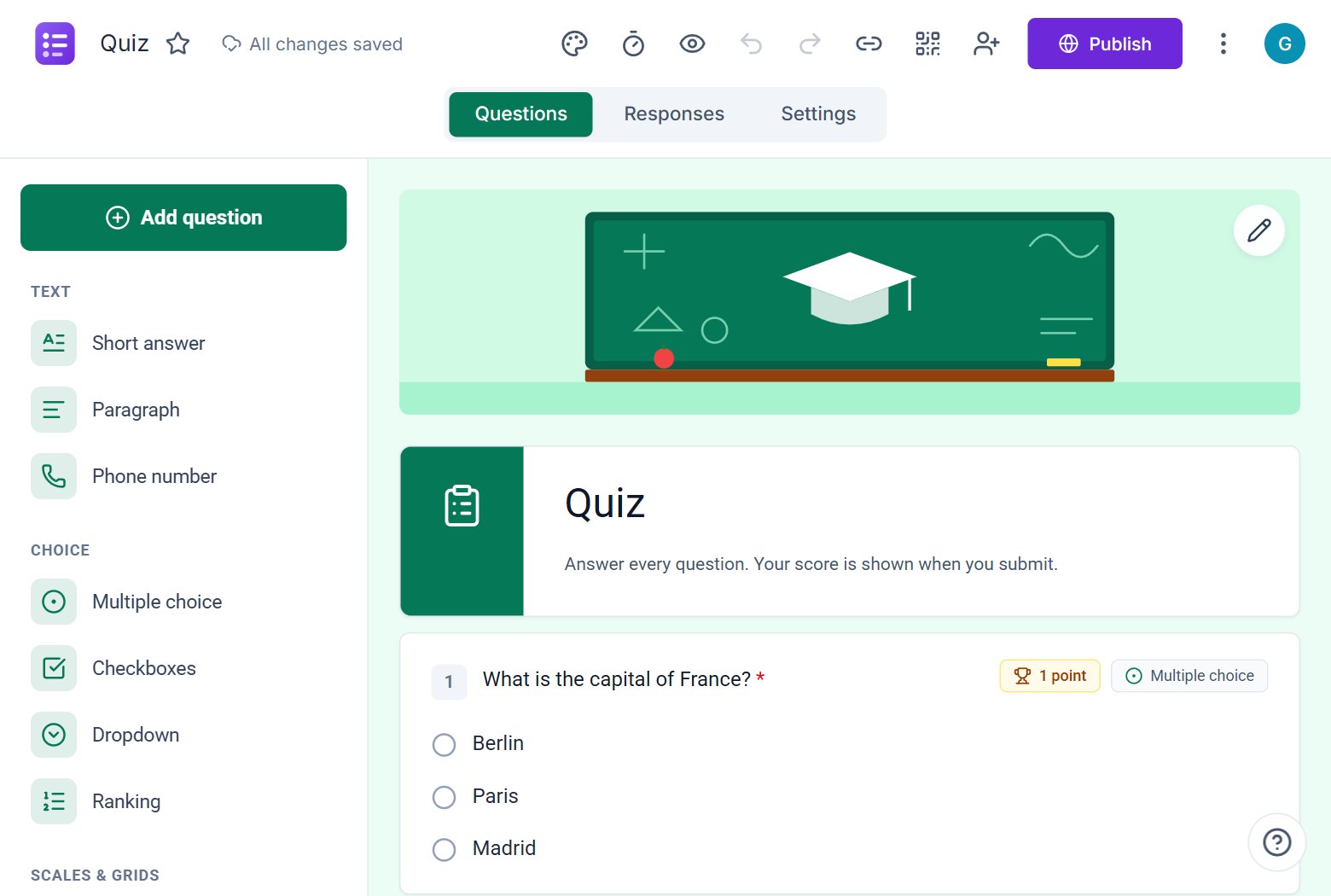
Edit, publish, share
Change anything by hand or by chat, press Publish, then share the link or QR code.
Try these prompts
Copy one into Create with AI, or write your own.
- “An IT support request form with category, urgency and a description.”
- “A quick poll with five options and an "other" choice.”
- “A student quiz with branching to a hint when an answer is wrong.”
What you get
Anyone can respond
Share a link. Respondents sign in with Google only when you ask for verified emails.
Branching and sections
Send people to different sections depending on their answers.
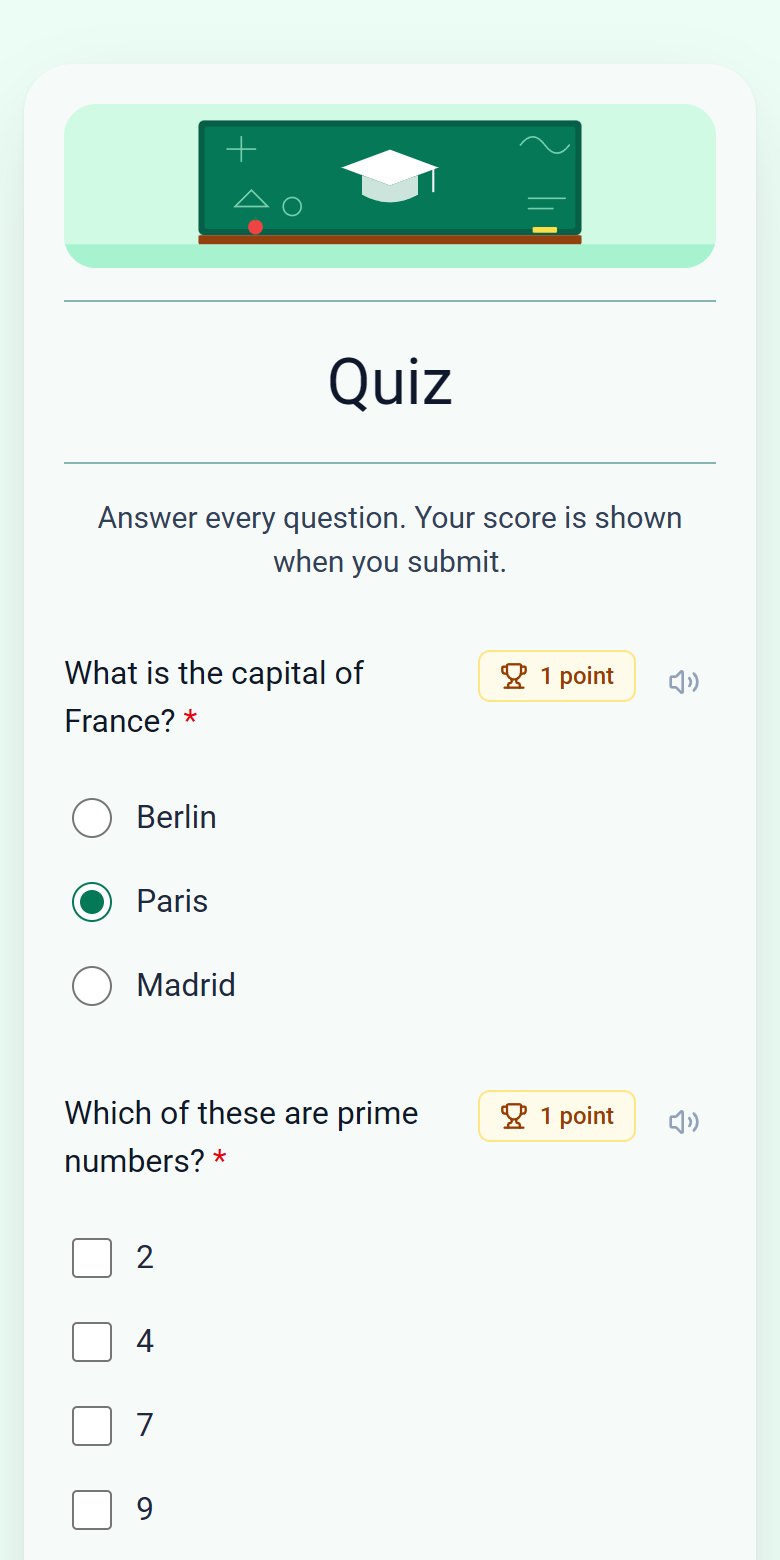
Quizzes with feedback
Points, correct answers, per-question feedback and optional manual release of grades.
AI form writing
Describe the form and the AI drafts it, then you refine it by chat.
Familiar features
Themes, sections, question types, share links, QR codes and a response summary cover the everyday Microsoft Forms jobs.
Extra tools
Passwords, start and end dates, response limits, seat limits and response editing are included at no cost.
Free
ezForms is free: no plans, no upgrade prompts and no limits on forms or responses.
Start from a template
Collect attendee details, preferences, and more.
Gather valuable feedback to improve your service.
Create quizzes with auto-scoring and instant results.
Collect applications, resumes, and candidate details.
Take product or service orders with ease.
Run surveys to collect opinions, insights, and data.
Frequently asked questions
Do I need a Microsoft account?
No. ezForms uses Google sign-in and is independent of Microsoft.
Does it support branching?
Yes. You can send respondents to different sections based on their choice.
Is it free for schools and companies?
Yes. ezForms is free for everyone.
More from ezForms
- Google Forms alternativeLooking for a Google Forms alternative? ezForms is free, writes forms with AI, has quizzes with timers, a clean paper-style look and a spreadsheet of responses.
- Free online form builderezForms is a free online form builder with an AI form generator, every question type, quizzes, templates, QR codes and Excel export. No limits, no card.
- AI form generatorDescribe the form you need and the ezForms AI form generator writes every question, answer option and setting in seconds. Free, no card, share with a link.
- AI quiz generatorThe ezForms AI quiz generator writes quiz questions with correct answers and points, adds an optional timer and grades every attempt automatically. Free.
Free · Beta
Create your form in under a minute
Describe it, let the AI write it, and share the link. Free, always.
- No card needed
- Sign in with Google
- Unlimited forms and responses